
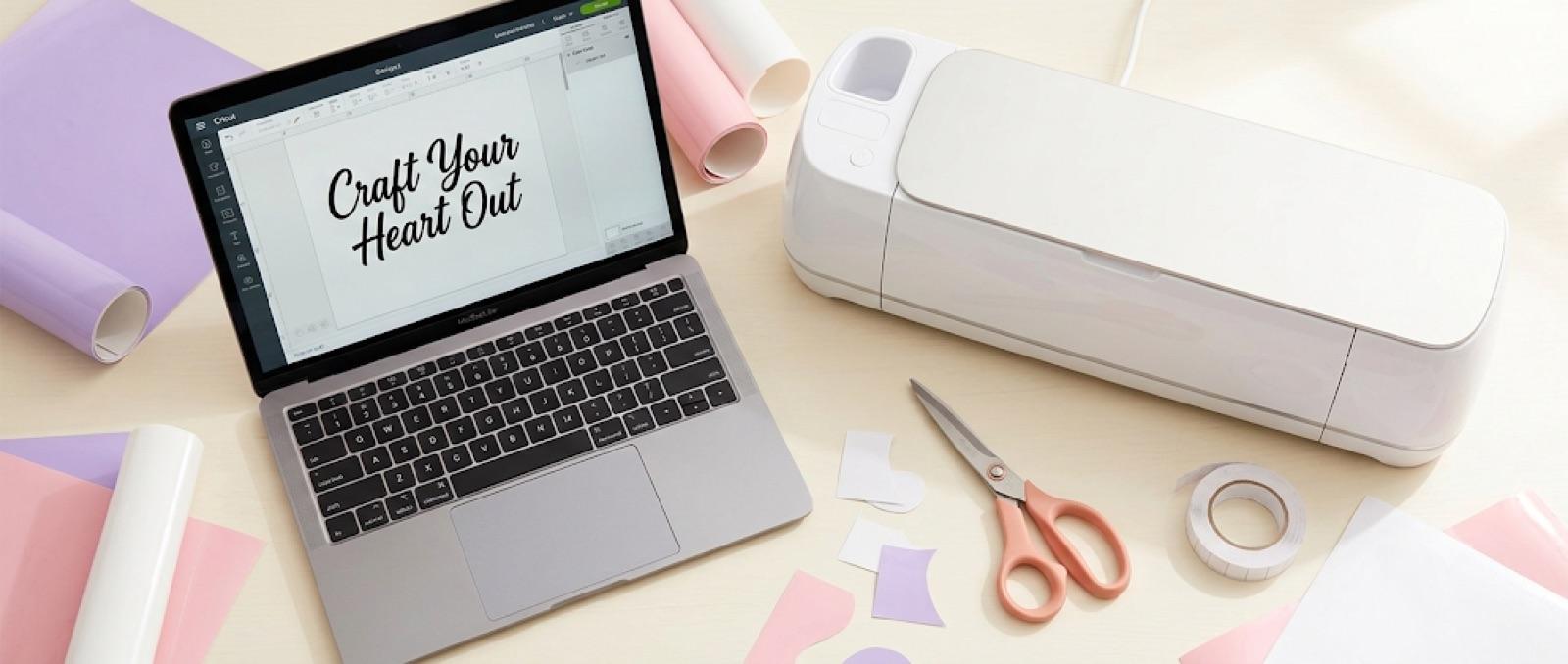
How to Add a Font from DaFont to Cricut Design Space
If you downloaded a font from DaFont and Cricut Design Space isn't showing it anywhere, you're not missing a plugin or doing something wrong with your machine. You just haven't uploaded it yet. To upload a DaFont font to Cricut Design Space, download the .ttf or .otf file, unzip it if it landed as a .zip, then open Design Space, click the Text tool, open the font dropdown, choose System Fonts, click Upload Font, and select the file. It'll show up under System Fonts from then on, ready to use in any project.
Here's the full process, plus the two upload errors that trip people up most.
What You Need Before You Start
You'll need the Design Space desktop app. Font upload isn't available in the mobile app, so if you only design on your phone or tablet, you'll need to switch over for this step.
Check the license on DaFont before you download anything. Fonts tagged "100% Free" are fine for personal projects. Fonts tagged "Donationware" or "Shareware" usually ask for a small payment if you use them commercially. If you're cutting for an Etsy shop or any kind of sale, that license tag matters more than the price does.
Confirm what you're downloading is actually a font file, .ttf or .otf, not a preview image of the font. DaFont pages sometimes show a rendered sample image alongside the real download link, and it's easy to grab the wrong one.
How to Download a Font from DaFont
- Search DaFont for the font name or style you want.
- Check the license tag on the font's page before downloading.
- Click Download. Most fonts come as a
.zipfile. - Unzip the file. Inside, you'll find one or more
.ttfor.otffiles. That's what Design Space needs.
Some DaFont downloads include multiple font weights (regular, bold, italic) in the same zip. You can upload each one separately if you want them all available.
How to Upload a DaFont Font to Cricut Design Space
Once the font file is unzipped and sitting somewhere you can find it, this part takes under a minute.
That's it. The font is saved to your system, not just this one project, so it'll be available every time you open Design Space going forward.
Fixing Common Upload Errors
Two things go wrong most often.
The font doesn't show up after uploading. Close Design Space completely and reopen it. Fonts sometimes need the app to refresh before they appear in the list.
You get an "unsupported file type" message. This almost always means the file you selected wasn't actually a .ttf or .otf. Go back and check that you unzipped the download instead of trying to upload the .zip itself, and check you didn't accidentally grab a preview image.
The font uploads fine but cuts badly at small sizes. Script and decorative fonts, which make up a lot of DaFont's library, often have thin connecting strokes that break apart or disappear when the design gets scaled down. This isn't a Design Space bug, it's a resolution problem with the font shape itself at small dimensions. If you're running into this, How to Scale a Design Without Breaking Stroke Widths and Small Details walks through why it happens and how to size text so thin strokes survive the cut.
If you're planning to turn a font-based word or phrase into a shape instead of a straight text cut (say, cutting a monogram letter into a badge outline), that's a different tool than resizing. Cricut Slice Tool Explained covers when Slice is the right move versus Weld or Attach.
Using Your New Font in a Project
Once your DaFont font is uploaded, it works exactly like any built-in Design Space font. You can layer it with shapes, combine it with other text, or use it on its own.
If you're building something like a monogram or a name over a shape backing, you'll want the text layer locked in place relative to the shape before you cut. Cricut Attach vs. Weld explains which of those two tools keeps your layout intact instead of merging it permanently.
Before you commit good HTV or vinyl to a design using a new font, it's worth seeing it on the actual product first. A font that reads perfectly on your screen can look cramped or oversized once it's on a shirt or mug. Running the cut design through CutMagic's Mockup Studio for a quick preview on the actual product type catches that kind of mismatch before you've wasted material on a test cut.
FAQ
Can I use free DaFont fonts for an Etsy shop? It depends on the license tag, not the price. "100% Free" fonts on DaFont are typically fine for commercial use, but "Donationware" and "Shareware" fonts often require a separate commercial license or a small payment before you sell anything made with them. Check the individual font's page, since licensing varies font by font.
Why isn't my uploaded font showing up in Design Space? The three usual causes are: you tried to upload the .zip file instead of unzipping it first, the file wasn't actually a .ttf or .otf, or Design Space needs to be closed and reopened to refresh the font list.
Do I need to re-upload the font every time I start a new project? No. Once a font is uploaded, it's saved under System Fonts permanently and will be available in every project going forward, not just the one you uploaded it in.
Once it's uploaded, a DaFont font behaves like any other font on your system. No re-uploading, no special handling, just pick it from the list next time you open a text box.