
How Much Heat Transfer Vinyl Do You Actually Need? (Free Calculator Inside)
For a single 8x10 inch chest design, budget about 0.65 sq ft of HTV once you account for waste. Multiply your design's width by height in inches, divide by 144, then add 15-20% for weeding, misfeeds, and trim. For a full order, multiply that per-shirt number by how many shirts you're pressing.
If you've ever bought "enough" vinyl and still come up short by the third shirt, you're not bad at math. You're just estimating without a formula, and that's an easy fix.
How Much HTV Do I Need Per Design?
The math is simpler than it feels. Take your design's width and height in inches, multiply them, then divide by 144 to get square feet.
An 8x10 inch design is 80 square inches, or about 0.56 sq ft. Add a waste buffer for weeding scraps and misfeeds, and you land closer to 0.65-0.7 sq ft per shirt.
Here's how that scales for common design sizes, with a 20% buffer included:
- Small icon or wordmark (3x3 in): about 0.06 sq ft, or roughly 0.08 with buffer
- Standard chest logo (8x10 in): about 0.56 sq ft, or roughly 0.65 with buffer
- Full-back design (12x14 in): about 1.17 sq ft, or roughly 1.4 with buffer
- Oversized front graphic (14x16 in): about 1.56 sq ft, or roughly 1.9 with buffer
Multiply whichever number matches your project by the number of shirts you're pressing, and that's your baseline yardage before you shop.
Cutting a sheet of small designs? Add up the square footage of each one, then apply your waste buffer once for the whole sheet. Small pieces cut together share trim waste more efficiently than pieces cut separately.
Why Two People Estimate the Same Project Differently
The formula above is a starting point, not the whole answer. Two crafters cutting the same 8x10 inch logo can still end up buying different amounts.
Design complexity is the biggest variable. A dense, text-heavy design wastes more vinyl during weeding than a simple shape, because you're cutting around more small pieces even though the bounding box is the same size.
Glitter and metallic HTV are less forgiving during weeding. A 20-25% buffer is safer than the 15% that works fine for matte.
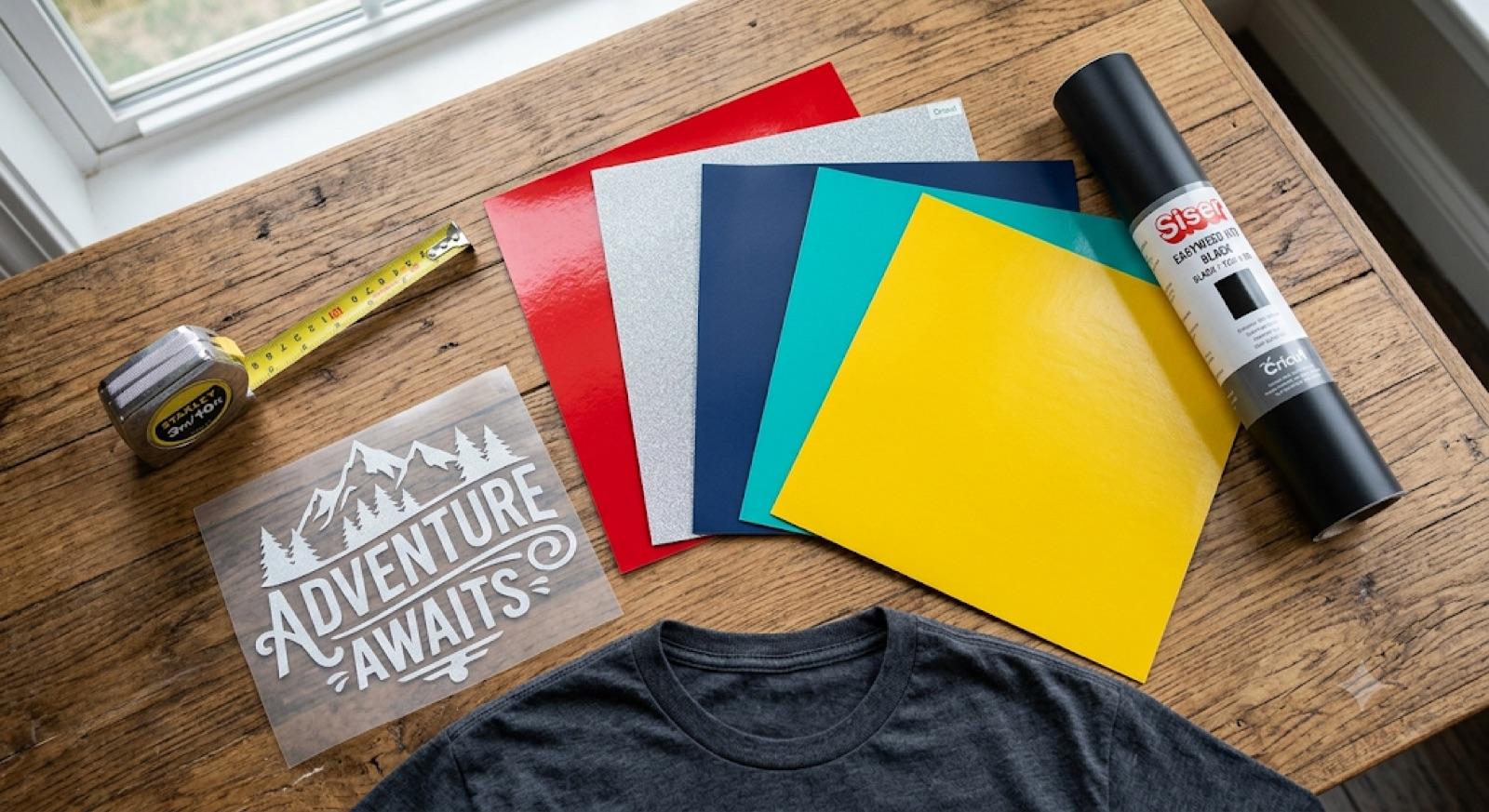
Roll versus sheet buying matters too. Siser Easyweed HTV ships 15 inches wide, wider than the 12 inch cut width many home Cricut and Silhouette machines handle, so you're often trimming a strip off every length you buy. That trimmed strip is real waste, and it adds up over a batch.
Before you commit vinyl to a design, confirm the size actually reads well on the shirt. A quick mockup comparison can catch a sizing mistake before you've cut anything, which is cheaper than catching it after.
If you scale a design up or down from a template, its square footage changes with it, not just how it looks on screen. A design you scaled up 20% needs roughly 20% more vinyl too.
New to pressing? The Cricut iron-on vinyl guide covers which side goes down, press settings, and why HTV peels.
Use the Free HTV Calculator to Get an Exact Number
Doing this math by hand for a 24-shirt order gets tedious fast, especially once you're mixing design sizes. CutMagic's Material Calculator runs the same formula automatically and adds live pricing.
- Enter your design's width and height in inches
- Pick your material type (matte, glitter, metallic HTV, and others)
- Enter how many shirts or pieces you're cutting for
- Read the total square footage and estimated material cost
It calculates material, not labor. Press time, weeding time, and packaging still need to be added on top when you price a shirt for sale, which is the next step below.
Turning Your HTV Number Into a Per-Shirt Price
Once you know your material cost per shirt, pricing gets straightforward. Say your material comes out to $1.20 per shirt after the calculator's estimate. Add 10-15 minutes of labor at whatever rate you pay yourself, plus a small cut for blank shirt cost and packaging, and you've got a real price floor instead of a guess.
This matters most when you're planning a batch run instead of a single shirt. If you're structuring a seasonal listing around a holiday design, knowing your exact material cost per unit up front means you're not reordering vinyl mid-run because the first estimate was off.
Want the full picture beyond vinyl? This one rolls in the rest of your project costs:
Ordering Your First Bulk Run
If your math is off on a first run, you want a small cushion instead of a mid-batch scramble to reorder. Buy your calculated total plus one extra design's worth of material.
That extra piece also protects you from batch differences. Matching the same vinyl lot on a reorder isn't guaranteed, and a slightly different shade on shirt 20 is hard to explain to a customer.
Printable HTV Order Cheat Sheet
Save this for the next time you're about to hit "add to cart":
The Bottom Line
The formula is simple: width times height, divided by 144, plus a waste buffer that scales with design complexity. Run it once by hand so you understand what's happening, then let the Material Calculator handle it for every order after that.
Just remember the material number is only half the price. Add your labor time on top before you quote a customer. And if you're building your own files for the next batch, how to create SVG files for Cricut walks through every method.