
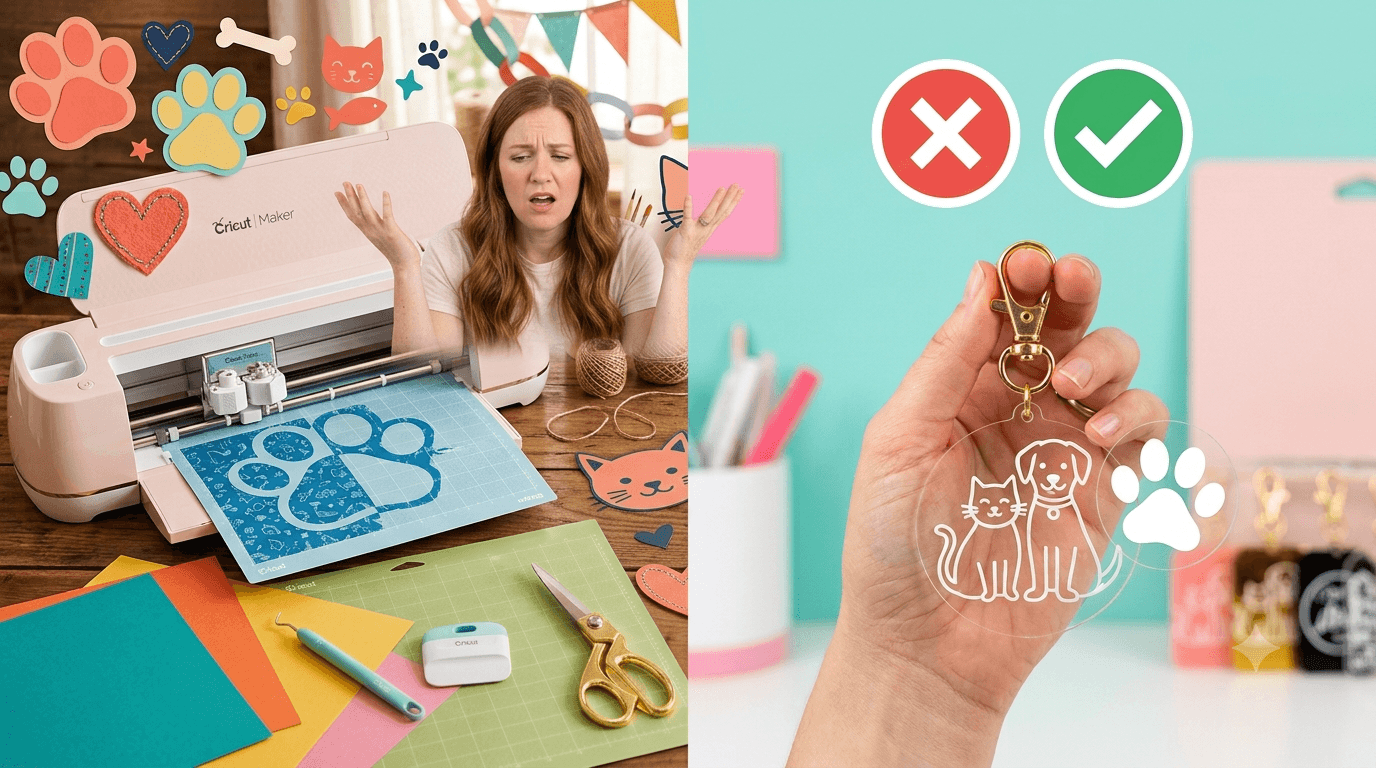
Cricut and Acrylic: What Actually Works (and What Doesn't)
Acrylic keychains, ornaments, and signs are everywhere on Pinterest and Etsy, and it's easy to assume your Cricut can make them start to finish, the same way it handles cardstock or vinyl. That assumption is reasonable. It's also wrong, but not completely wrong.
The truth about Cricut acrylic projects sits somewhere between "yes you can" and "no you can't," and knowing exactly where that line falls will save you a stack of ruined material and a few hours of frustration. This post covers whether Cricut actually cuts acrylic sheets, what the machine can do instead, where to find the right blanks to buy, and whether sublimation works on acrylic at all. No guessing required by the end.
Can You Cut Acrylic With Cricut? Here's the Real Answer
No. A Cricut, including the Maker and Maker 3, cannot cut through standard rigid acrylic sheets. That's the honest answer to "can Cricut cut acrylic," and it doesn't change no matter which model you own.
Here's why. Cricut blades are built for thin, flexible materials: paper, cardstock, vinyl, fabric, thin leather. Rigid acrylic is hard plastic, and cutting through it requires a laser cutter or a rotary tool with real shearing force behind it. A Cricut blade pressed against acrylic won't cut it. It'll either skid across the surface, damage the blade, or gouge the cutting mat without ever getting through the material.
So if you're wondering whether extra passes or a sharper blade can cut acrylic with Cricut, the answer is still no. It's not a pressure setting problem. It's a tool mismatch.
There's one narrow exception worth mentioning. Extremely thin, flexible acrylic sheeting (sometimes sold as craft acrylic film) can occasionally be scored or lightly cut. But this is a different material entirely from the rigid acrylic sheets used for keychains and signs, and even then, results are inconsistent enough that most crafters don't rely on it.
Can Cricut Maker Cut Acrylic? What It Can Do Instead
Can Cricut Maker cut acrylic, specifically, since it's the more powerful machine? Still no. But the Maker and Maker 3 (not the Explore line) come with a capability the Explore doesn't have: the engraving tip, a small tool that uses a carbide tip to etch a design into a hard surface instead of cutting through it.
This is the real workflow for acrylic with these machines. The engraving tip can etch a name, monogram, or simple line design directly into the surface of acrylic, creating a visible mark without ever attempting to slice through the material. It won't cut a keychain shape out of a sheet, but it will personalize one that's already cut for you. If you want the full picture of what each Cricut tool is actually meant for, this guide to every Cricut blade and tip, including the engraving tip, breaks down what each one does and doesn't do.
In practice, this means your Maker becomes a personalization tool for acrylic, not a fabrication tool. That distinction matters for planning any acrylic project from the start.
Cricut Acrylic Sheets: What You're Really Looking For
When people search "Cricut acrylic sheets" or "acrylic sheets for Cricut," they're usually looking for one of two different things, and mixing them up is where most of the frustration starts.
- Pre-cut acrylic blanks. Keychains, ornaments, coasters, and small signs that arrive already shaped, with holes pre-drilled where needed. These are ready for you to add a design.
- Adhesive or printable vinyl made for acrylic surfaces. This is vinyl designed to stick to acrylic, and your Cricut can absolutely cut this kind of material with no problem.
If your goal is acrylic for Cricut projects that actually turn out well, buy pre-cut blanks rather than trying to shape acrylic yourself. That's the workflow that consistently works, and it's the one most successful acrylic crafters settle into.
A few things worth checking before you buy:
- Thickness. Thinner blanks engrave more cleanly and show finer detail.
- Clarity. Cast acrylic engraves more crisply than extruded acrylic, which can look hazier once etched.
- Pre-drilled holes. If you're making keychains, confirm the holes are already there, since you can't drill new ones with a Cricut.
Acrylic Keychain Ideas
Once you accept that your Cricut engraves and decorates rather than cuts acrylic, a lot of solid acrylic keychain ideas open up:
- Engraved name or initial keychains, using the engraving tip directly on clear acrylic blanks for a simple, personalized look.
- Vinyl decal designs cut on your Cricut and applied to the front of pre-cut acrylic shapes.
- Layered designs that combine a printed vinyl base with engraved detail on top, giving more depth than either technique alone.
- Simple shapes like hearts, stars, or basic icons cut from adhesive vinyl and applied to colored acrylic blanks for contrast.
These same techniques scale well if you're making acrylic keychains for a small business, not just a one-off gift. If you're planning to sell them, it's worth thinking through your pricing before you commit to a batch, since material and time costs add up faster than people expect on small items.
These pricing tips for handmade decals and small craft items walk through how to price work like this without underselling your time.
Can You Sublimate on Acrylic? What to Know
Standard sublimation does not work on plain acrylic. Sublimation ink needs polyester fiber or a polymer coating to bond to, and untreated acrylic has neither. So if you've been wondering whether sublimation works on acrylic using a regular sublimation blank, the answer is no, the ink simply won't transfer onto bare acrylic.
Acrylic blanks that are specifically manufactured and coated for sublimation do exist, and they work just like any other sublimation blank once that coating is in place. The coating is what makes sublimation on acrylic possible, not the acrylic itself. If you buy a blank labeled for sublimation, it'll work. If you grab a plain acrylic sheet expecting the same result, it won't.
This is the same principle behind Infusible Ink, Cricut's own sublimation-style system. It also requires a coated or compatible blank to work, for exactly the same reason regular sublimation does. If you want the mechanics of how that process actually functions, this breakdown of how Infusible Ink and sublimation actually work covers it in more detail.
The Bottom Line on Cricut and Acrylic
Your Cricut can't cut rigid acrylic sheets, and no amount of extra passes or blade swaps will change that. What it can do is engrave acrylic with the Maker's engraving tip, decorate it with cut vinyl, and work with acrylic blanks made specifically for sublimation or Infusible Ink.
Start with a pre-cut acrylic blank and a simple engraved design or vinyl decal. That's the project that'll actually work on the first try, instead of a sheet of acrylic that fights your machine and wins.