
Flowers SVG Bundle
Bring the beauty of nature to your crafting projects with our stunning free Flowers SVG Bundle! This enchanting collection features various floral designs including elegant roses, cheerful daisies, delicate floral wreaths, and intricate botanical designs perfect for any nature lover or gardening enthusiast. Create beautiful custom t-shirts, spring home decor, wedding invitations, greeting cards, tote bags, and personalized floral gifts that bloom with charm. Each design is cut-ready with clean lines and properly grouped layers, fully compatible with Cricut Design Space and Silhouette Studio for effortless crafting every time. Whether you're designing for weddings, spring celebrations, or everyday floral projects, these versatile flower SVGs add a touch of natural elegance to everything you create. The detailed botanical elements and romantic floral arrangements make perfect decorations for bridal showers, garden parties, nursery decor, and heartfelt handmade gifts. Download instantly, upload to your cutting software, and start creating gorgeous designs that capture the timeless appeal of fresh blooms and botanical artistry!
Preview
(7 images)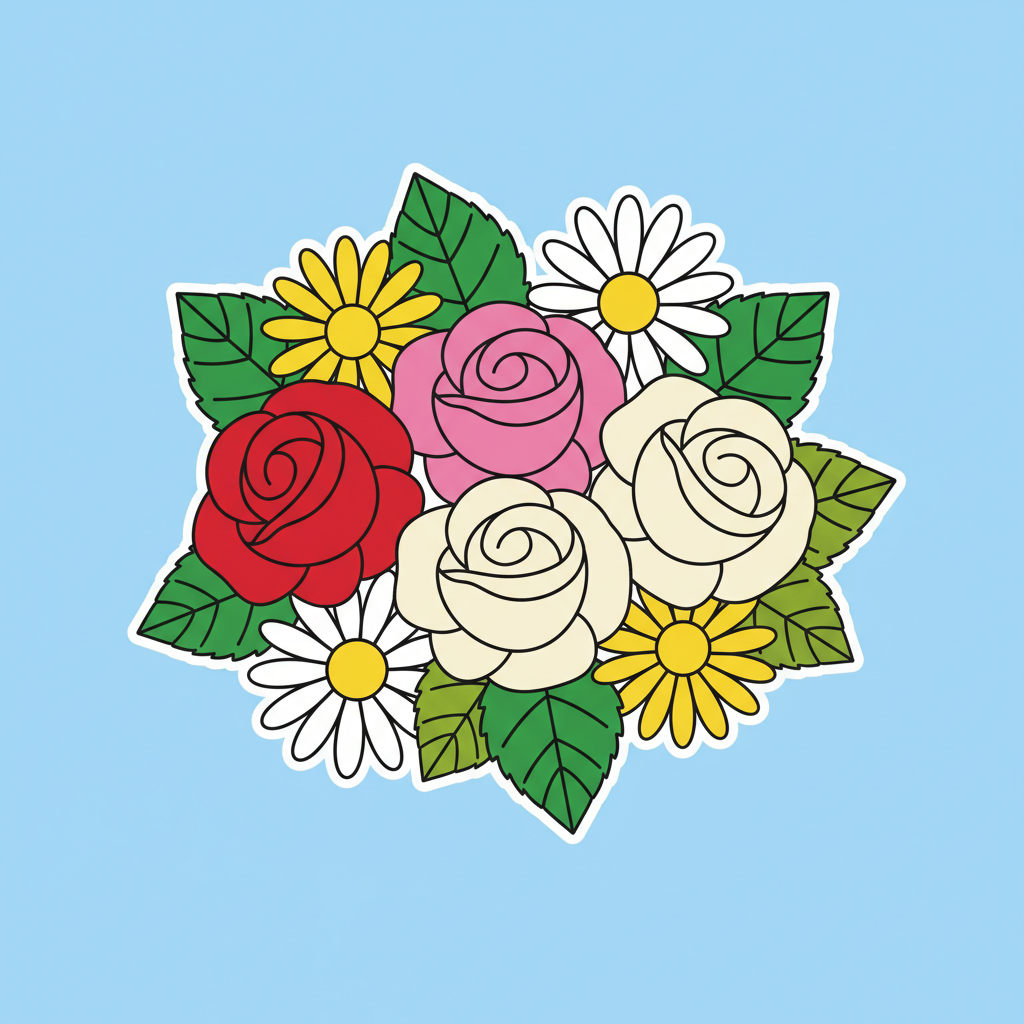
Mixed Floral Cluster
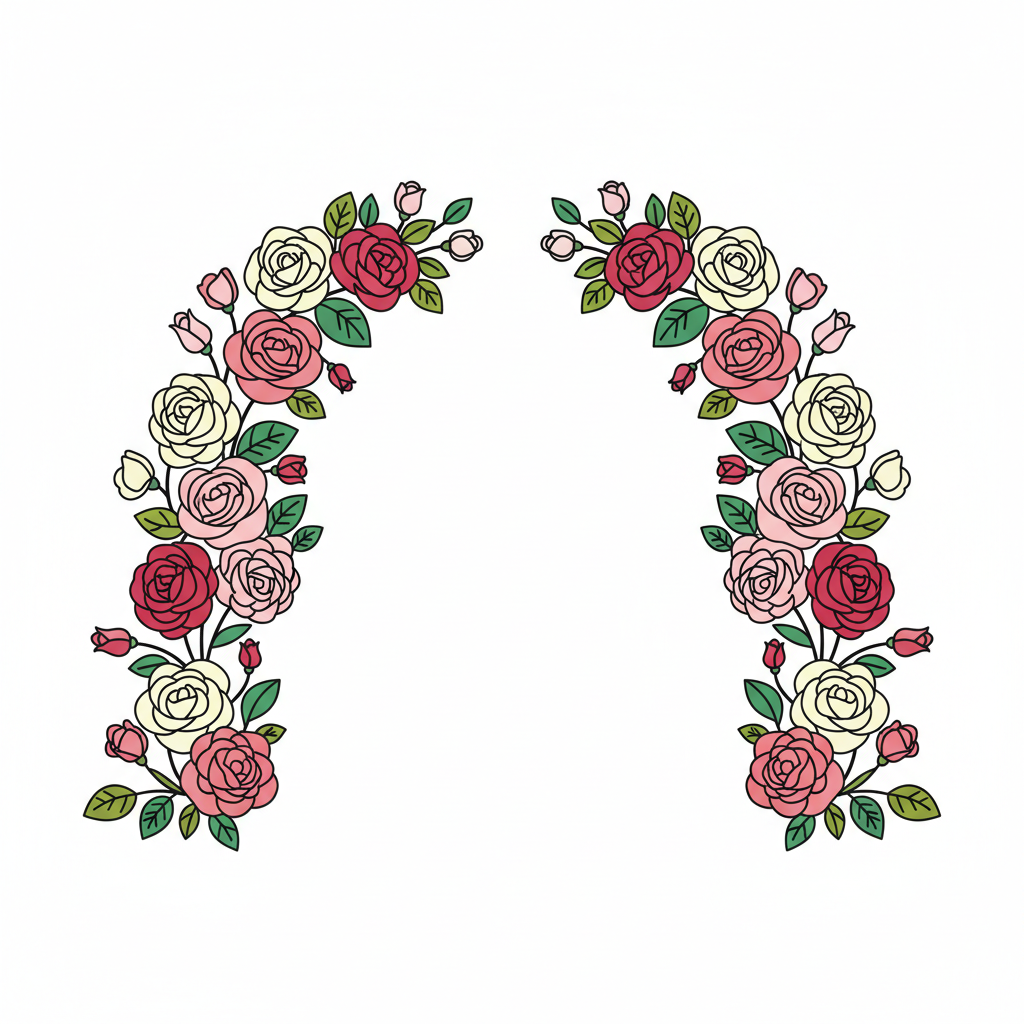
Rose Arch Arrangement

Single Daisy Design
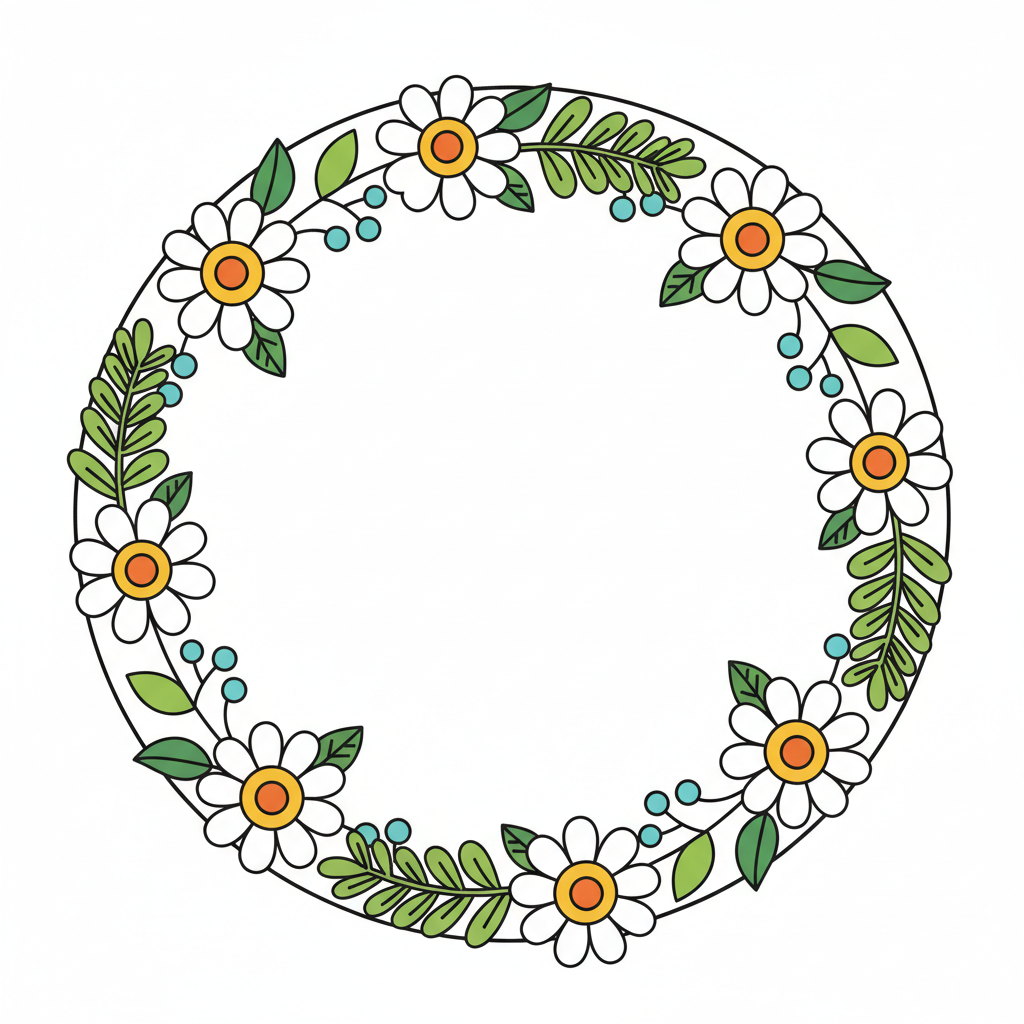
Daisy Floral Frame
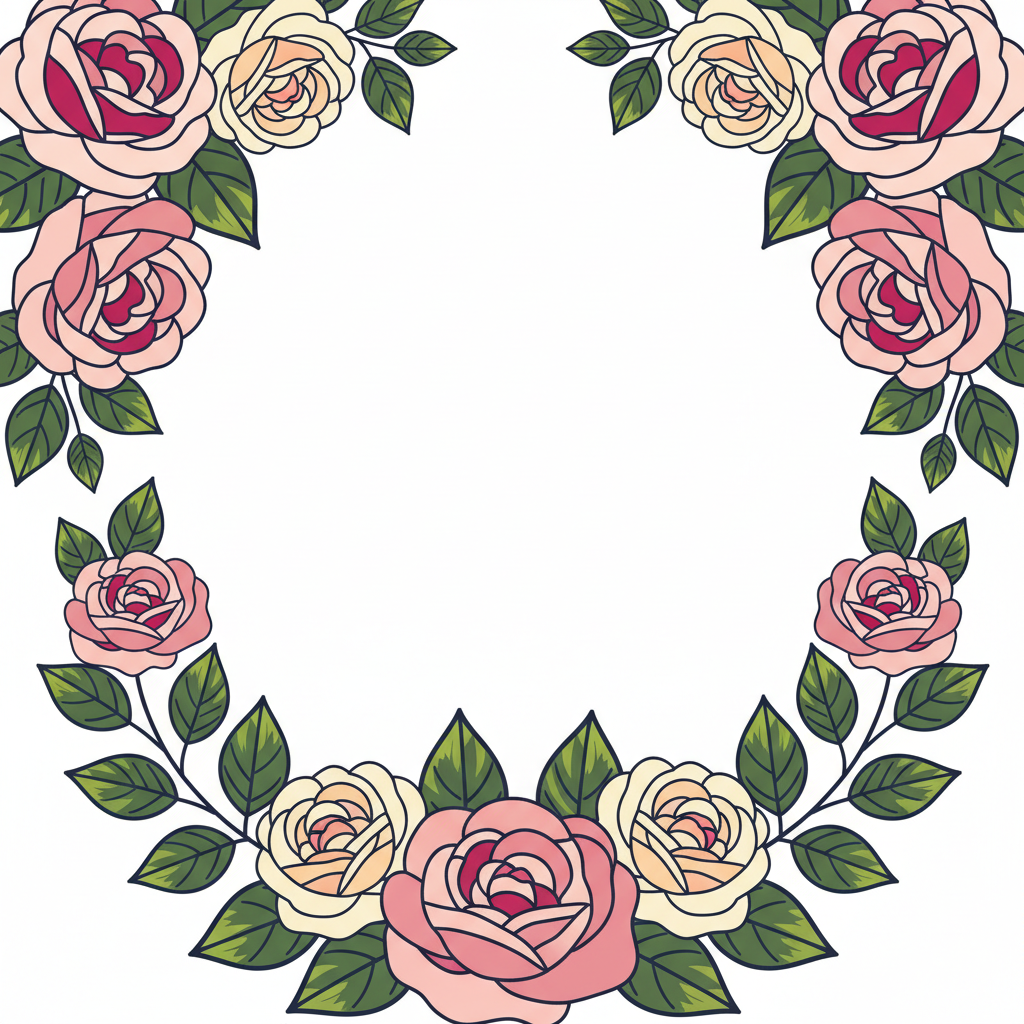
Floral Border Roses
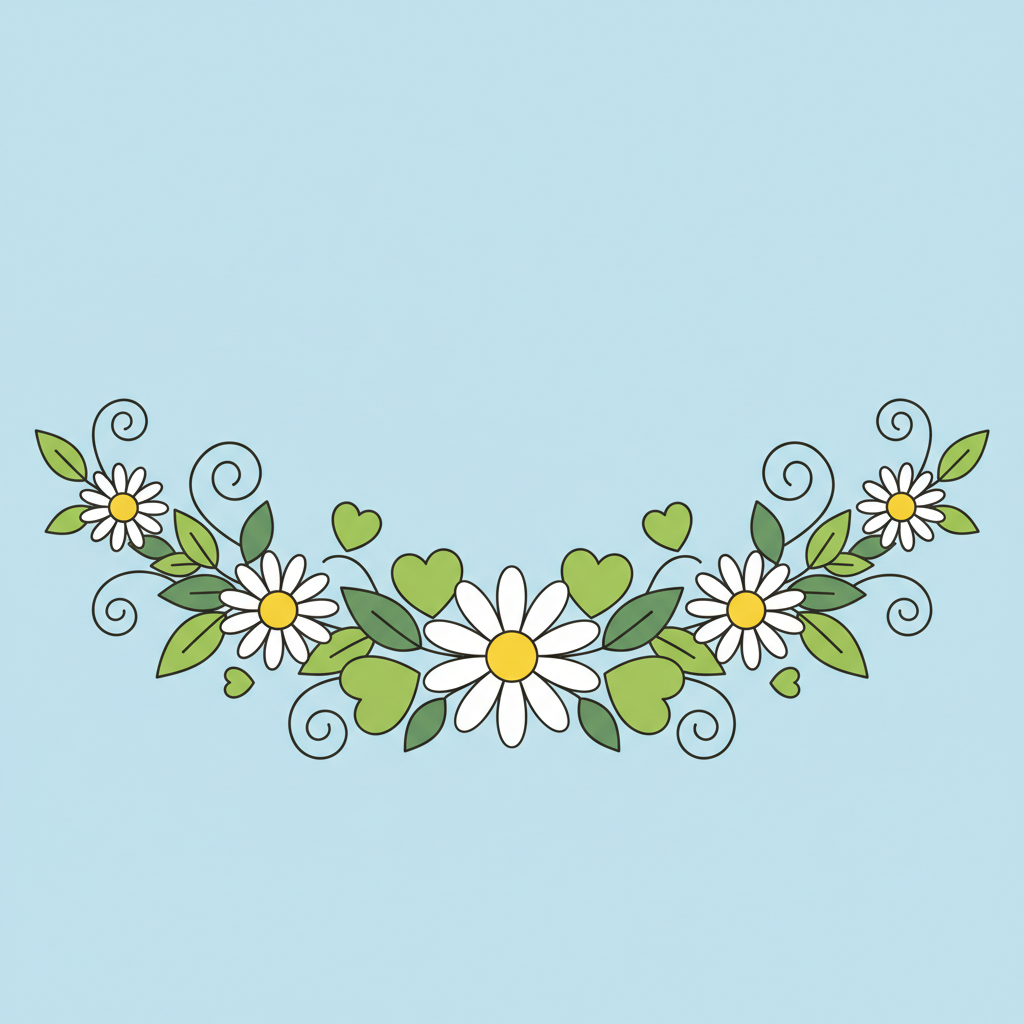
Daisy Garland Design

Single Rose Silhouette
Download Bundle
Get instant access to all 7 PNG & SVG files
No credit card required
Bundle Details
What's Included
- ✓7 high-quality PNG & SVG files
- ✓Compatible with all cutting machines
- ✓Instant download after email confirmation
- ✓Free for personal use
How to Use
These SVG files work with all major cutting machines and software. Here's how to get started:
Cricut Design Space
- Open Design Space and click Upload
- Select Upload Image → choose the SVG file
- Click Upload to add it to your canvas
- Resize, position, and click Make It
Silhouette Studio
- Go to File → Open and select the SVG
- The design loads on your canvas automatically
- Adjust size and position as needed
- Click Send to cut
Tip: These files also work with Brother CanvasWorkspace, Sure Cuts A Lot, Make The Cut, and any other software that imports SVG files.
Want unlimited Crafts, DIY Projects, Cards designs?
CutMagic uses AI to generate custom, cut-ready SVG designs in seconds. Describe what you want and get original files optimized for your cutting machine.
Sign Up Free