
Butterfly SVG Bundle
Transform your crafts with our enchanting free Butterfly SVG Bundle! This delightful collection features butterfly designs in various styles including delicate monarchs, whimsical garden butterflies, elegant silhouettes, and intricate winged beauties perfect for any nature lover. Create stunning custom t-shirts, nursery wall decor, greeting cards, garden signs, tote bags, and personalized gifts that capture the magic of these graceful creatures. Each design is cut-ready with clean lines and properly grouped layers, fully compatible with Cricut Design Space and Silhouette Studio for seamless crafting every time. Whether you're designing for spring projects, nature crafts, birthday parties, or everyday creative endeavors, these versatile butterfly SVGs add a touch of natural beauty and whimsy to everything you make. The detailed wing patterns and elegant butterfly motifs make perfect decorations for children's rooms, garden parties, seasonal decor, and heartfelt handmade gifts. Download instantly, upload to your cutting software, and start creating magical designs that capture the delicate grace and vibrant spirit of these beloved winged wonders!
Preview
(6 images)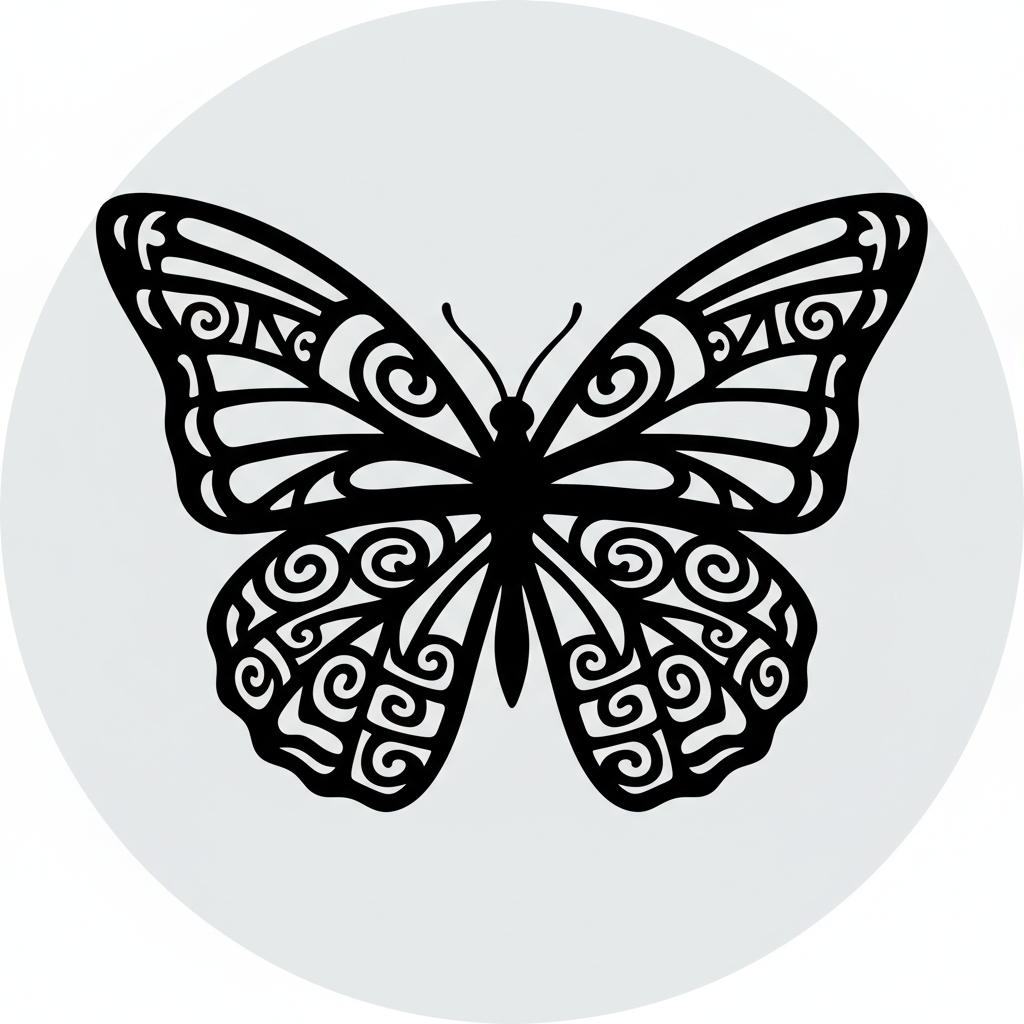
Tribal Wing Butterfly
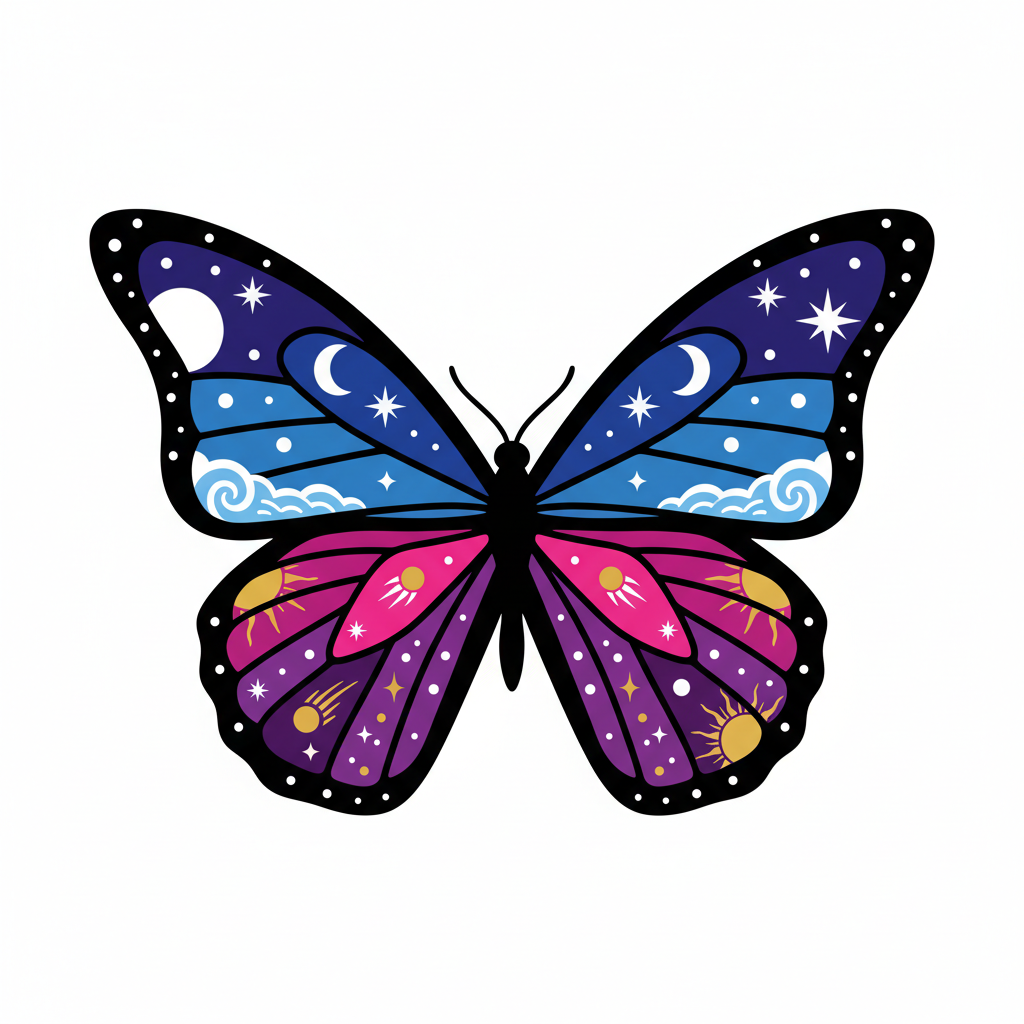
Celestial Butterfly
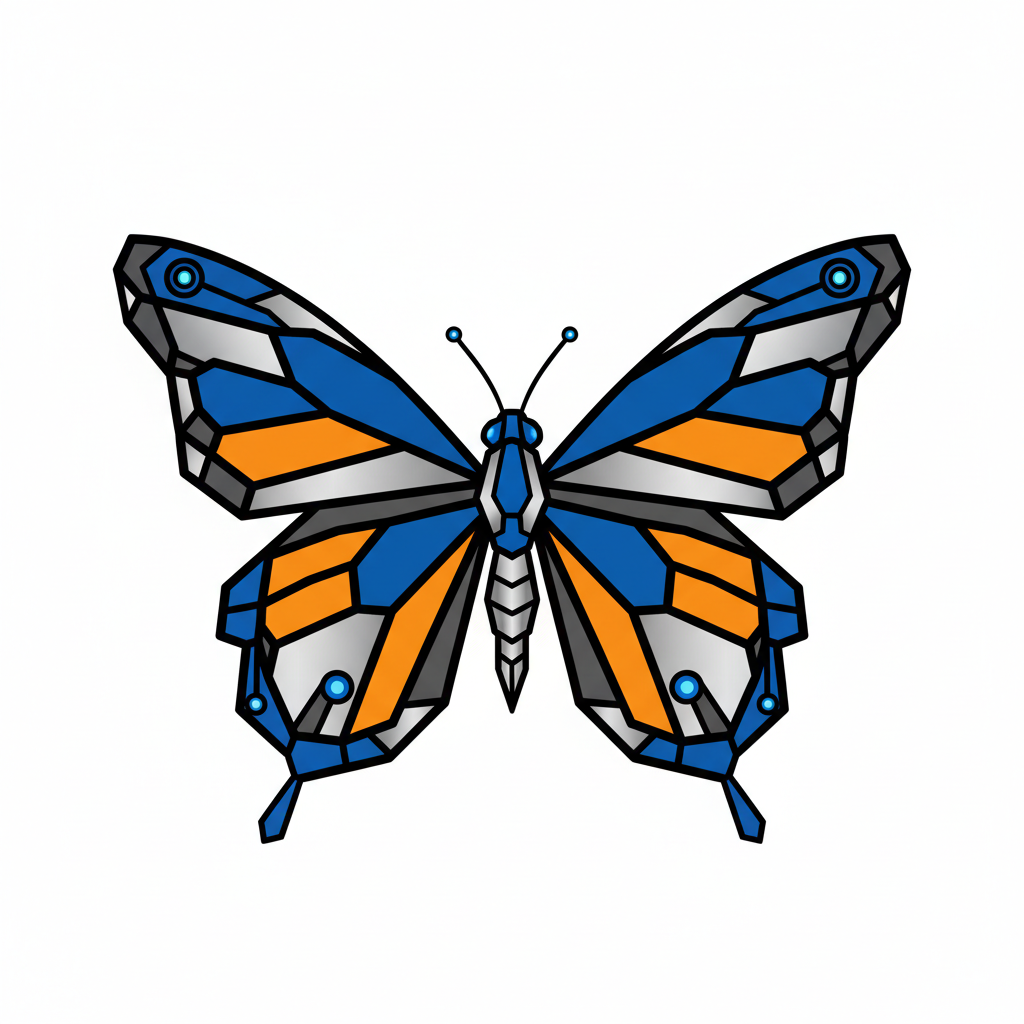
Geometric Butterfly
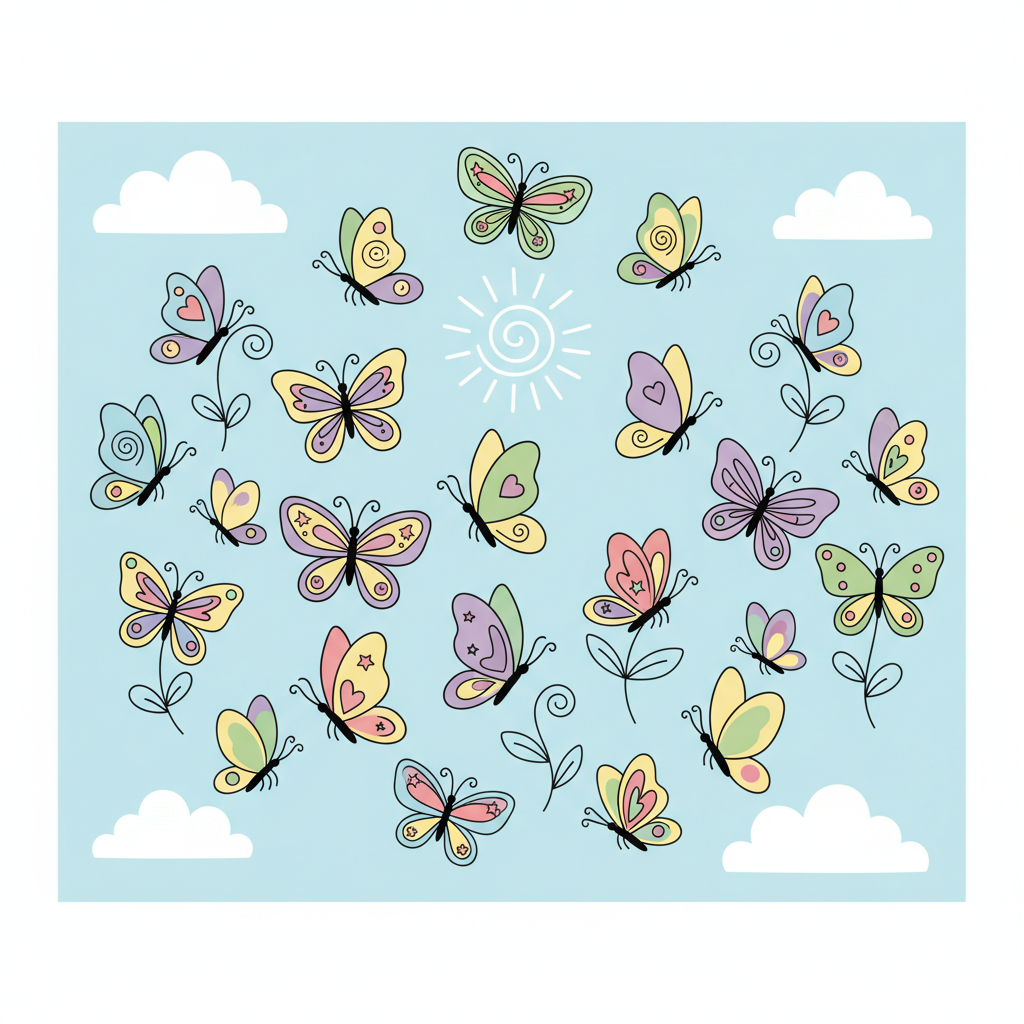
Butterfly Flight Cluster
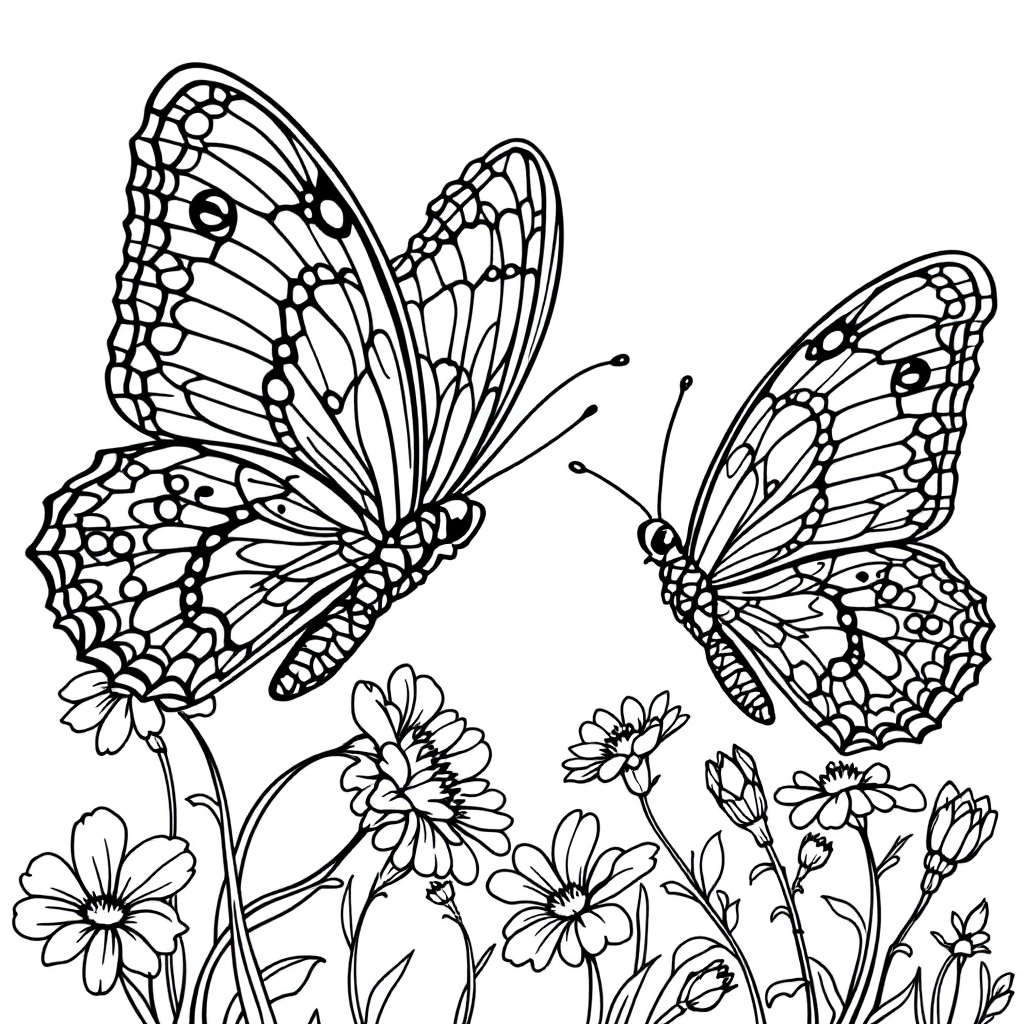
Garden Butterflies Duo
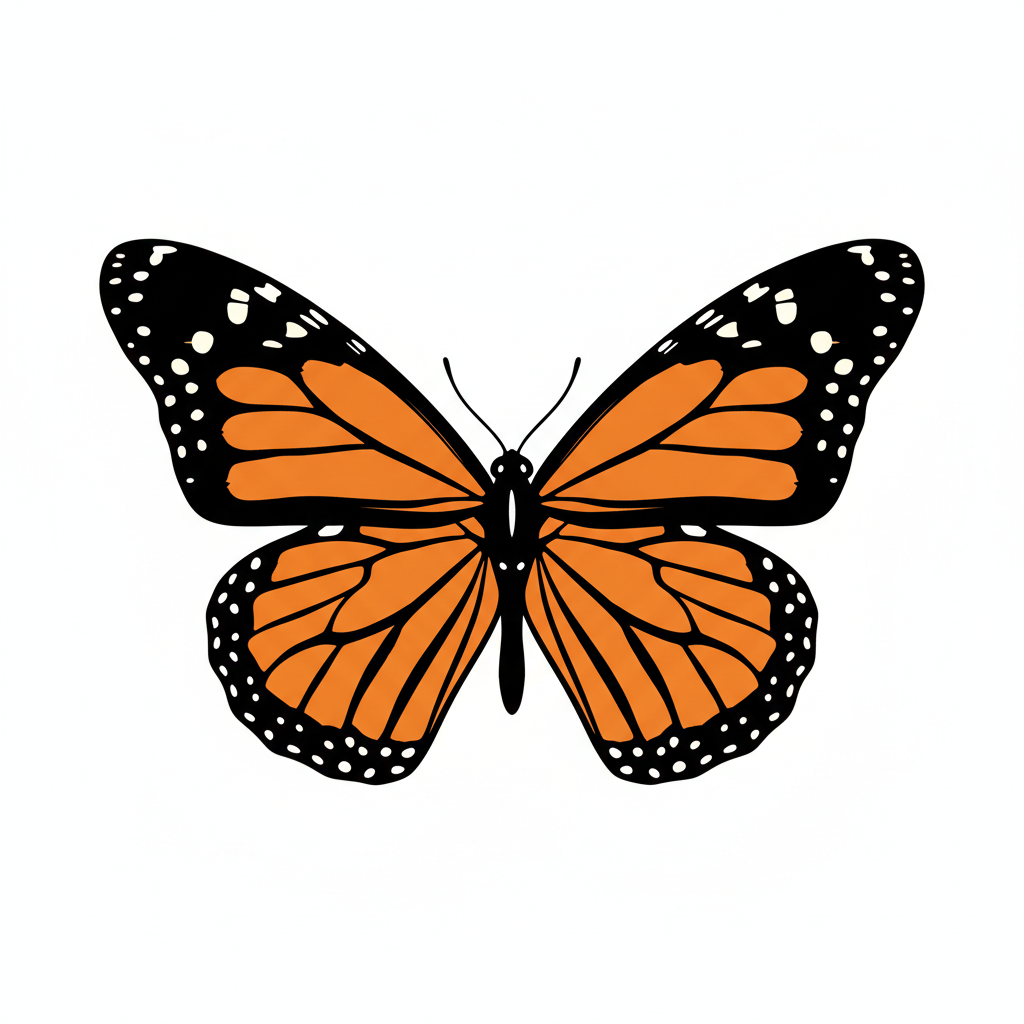
Bold Monarch Silhouette
Download Bundle
Get instant access to all 6 PNG & SVG files
No credit card required
Bundle Details
What's Included
- ✓6 high-quality PNG & SVG files
- ✓Compatible with all cutting machines
- ✓Instant download after email confirmation
- ✓Free for personal use
How to Use
These SVG files work with all major cutting machines and software. Here's how to get started:
Cricut Design Space
- Open Design Space and click Upload
- Select Upload Image → choose the SVG file
- Click Upload to add it to your canvas
- Resize, position, and click Make It
Silhouette Studio
- Go to File → Open and select the SVG
- The design loads on your canvas automatically
- Adjust size and position as needed
- Click Send to cut
Tip: These files also work with Brother CanvasWorkspace, Sure Cuts A Lot, Make The Cut, and any other software that imports SVG files.
Want unlimited Crafts, Nature, Tote Bags designs?
CutMagic uses AI to generate custom, cut-ready SVG designs in seconds. Describe what you want and get original files optimized for your cutting machine.
Sign Up Free