
Swapping Backgrounds Fast to Build a Seasonal Mockup Set Without Reshooting Everything
Refreshing your listings for every season doesn't require a new photoshoot. It requires the ability to swap the background without reshooting the product itself. One base shot, several seasonal scenes, and you're done.
Why Listings Go Stale Between Seasons
A listing photographed once in spring still reads as spring in December. The lighting, the props, the whole scene screams a season that's long gone, even if the product itself works fine as a holiday gift.
Buyers browsing for holiday gifts skip anything that doesn't feel current. It doesn't matter that your ornament ring or ribbon monogram is technically seasonal. If the photo around it looks stale, shoppers scroll past.
This is where a seasonal product photo mockup approach earns its keep. You're not changing the product, you're changing the context buyers see it in, and that context signals your shop is active and paying attention.
What a Background Changer Actually Does
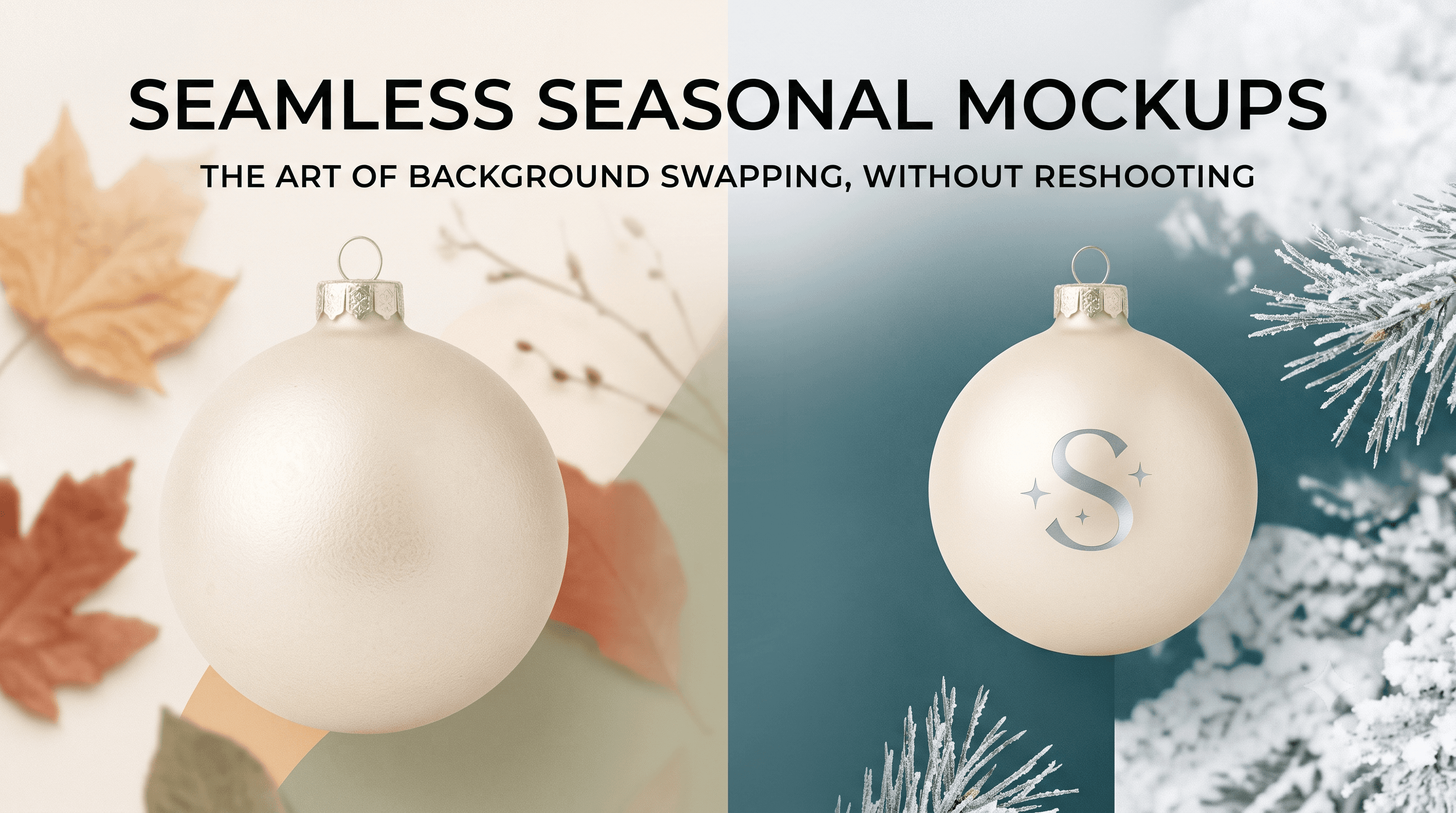
A background changer for product photos keeps everything about the product untouched: the design, the placement, the lighting on the item itself. All it swaps is the scene behind it. A spring shot becomes a fall tabletop. That same shot becomes a holiday backdrop next month. Same product, new setting.
This matters because manual editing is slow. Cutting out a product, repositioning it against a new background, matching shadows by hand, that's an hour per listing if you're doing it carefully. A background changer skips the repositioning step entirely. The product never moves. Only the world around it changes.
That's the whole trick behind the phrase swap mockup background without reshooting. You photograph once, then generate as many seasonal versions as you need from that single file.
Setting Up One Base Shot for Every Season
Getting this right starts with the base shot, not the seasonal versions. If the base shot is wrong, every version built from it inherits the problem.
If you're still figuring out how many photos a listing actually needs, our guide on How to Start an Etsy SVG Shop covers that, along with why photo variety affects conversions more than most new sellers expect.
Dropping Multiple Products Into the Same Scene
Once one seasonal scene works, don't stop at a single product. The same background can hold several different items for a consistent shop-wide look, which is where the real time savings show up.
This is what a mockup generator drop multiple products same scene workflow is for. You build the fall tabletop scene once, then drop in your monogram decals, your ornament design, your holiday tumbler wrap, all into that same setting.
The result is a shop that looks cohesive. A buyer clicking through five of your listings sees the same fall mood carried across all of them, which reads as more polished than five unrelated photo styles stitched together.
What Makes a Seasonal Mockup Look Current, Not Just Different
Swapping a background isn't automatically an upgrade. A rushed swap can look worse than the original spring photo it replaced.
The difference between intentional and afterthought comes down to a few things. Consistent color temperature across the set matters more than people expect. If half your listings run warm and half run cool, the shop feels disjointed even if each individual photo looks fine.
Shadows need to match the light source in the new scene. A product with a hard shadow falling left doesn't belong in a soft, diffused winter scene where nothing else casts a shadow that way.
And avoid overly literal seasonal props. Buyers can tell the difference between a subtle seasonal cue and a background stuffed with pumpkins or snowflakes just to prove it's "on theme." The literal version dates fast. The subtle version holds up longer.
For more on the visual signals buyers use to judge whether a listing looks current or careless, How to Buy High-Quality SVG Files for Cricut on Etsy breaks that down from the buyer's side.
Keeping This Sustainable Across a Full Year
The mistake most sellers make is trying to refresh everything at once, then burning out and letting it slide for six months. That's not sustainable, and it's not necessary.
Plan which listings get seasonal refreshes and when. Your top sellers probably deserve every seasonal swap you can generate. A slower listing might only need one refresh a year, timed around its best-selling season.
This is where mockup generator seasonal scenes become a standing part of your workflow instead of a one-off project. Build the scene once per season, apply it where it matters, and move on. It's maintenance, not a redesign.
Keeping listings looking current isn't just a photo exercise either. It ties directly into how your shop performs overall, the same way Effective Strategies for Pricing Handmade Decals ties pricing decisions to how buyers perceive your shop's overall quality.
The Takeaway
One solid base shot, swapped across several seasonal backgrounds, does more for listing freshness than a full reshoot ever will. You're not adding hours to your week. You're removing them.
Once the workflow is set, this becomes something you barely think about. A new season rolls around, you generate the new scenes, drop your products in, and your shop looks current again. That's the whole point.