
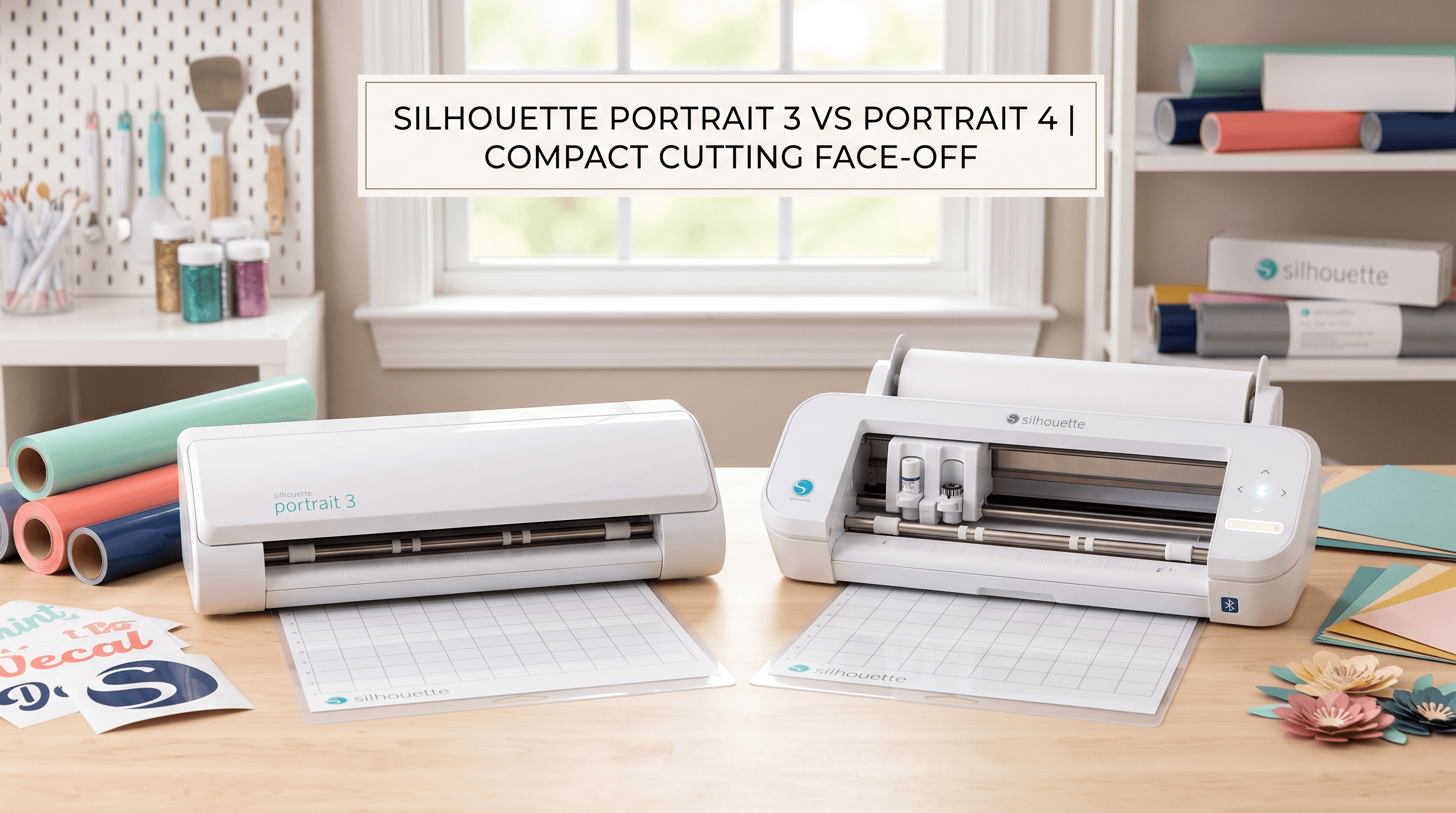
Silhouette Portrait 3 vs Portrait 4: Which One Should You Actually Buy?
The Silhouette Portrait 4 costs more than the Portrait 3. That gap might be easy to justify, or it might be money you don't need to spend. The problem is that Silhouette's own spec sheets don't make the practical differences obvious. If you're looking at both and wondering whether the upgrade is genuinely worth it or whether the Portrait 3 is the smarter buy for your situation, this comparison breaks down what actually changed, what stayed exactly the same, and which silhouette portrait machine suits your needs.
What the Portrait Cutting Machine Is and Who It's For
The Silhouette Portrait is a compact cutting machine, smaller and lighter than the Cameo line, built for crafters who work in tighter spaces or focus on smaller projects. Where the Cameo cuts up to 12 inches wide, the portrait cutting machine tops out at 8 inches. That's a real limitation if you regularly cut large pieces, but for most vinyl decals, cards, stickers, and iron-on projects, 8 inches is plenty.
The Portrait sits below the Cameo and Cameo Plus in Silhouette's lineup. It's its own machine, not a Cameo variant. If you've seen the phrase "cameo portrait" floating around online, that's just a mislabeling. There's no such product. It's either a Cameo or it's a Portrait.
The portrait silhouette line has been around for a while. The Silhouette Portrait 1 was the original compact model, and the line has moved through incremental updates ever since. Portrait 3 was the previous generation. Portrait 4 is the current one. Both are still sold new, which is why the comparison actually matters.
Portrait 3 vs Portrait 4: The Real Differences
This is where most comparison posts get vague. Here's what's actually different between the two.
Bluetooth
The silhouette portrait 3 requires a USB cable to connect to your computer. No wireless option. The silhouette portrait 4 added Bluetooth, so you can send cuts without a cable.
Whether that matters depends on how you work. If the machine stays on one desk, connected to one computer, USB is no inconvenience at all. But if you move the machine around, use a laptop at a different table, or just prefer less clutter, Bluetooth is a meaningful addition.
Auto Blade
This one's more significant for beginners. The Portrait 3 has a manual blade: you set the blade depth yourself by turning a dial, based on what material you're cutting. It's not complicated once you understand it, but it's an extra step, and getting it wrong wastes material.
The Portrait 4 has Auto Blade. The machine reads the material settings you've chosen in the software and adjusts blade depth automatically. If you switch between materials often, like cutting cardstock one day and vinyl the next, Auto Blade handles the adjustment for you. For someone new to cutting machines, it removes a common source of frustration.
If you're brand new to cutting machines and worried about wasting material while learning blade depth, Auto Blade on the Portrait 4 removes that learning curve almost entirely.
Design and Build
The Portrait 4 has a refreshed look compared to the portrait 3 silhouette model, but the footprint is the same. The cutting width is still 8 inches. The mat sizes are the same. Compatible accessories carry over between both models.
Price
Portrait 4 costs more. The exact gap varies by retailer and changes over time, so check current pricing on the Silhouette America website or a major retailer before making a decision.
Don't rely on what you read in any review, including this one, for specific numbers. Prices shift by retailer and over time — always check current listings before buying.
What the Portrait 3 and Portrait 4 Have in Common
Both machines cut up to 8 inches wide. Both use the same silhouette portrait mat sizes. Both work with the same materials: vinyl, cardstock, iron-on transfer, sticker paper, vellum, and similar craft materials.
Neither machine cuts fabric without a stabilizer backing like freezer paper or interfacing. Neither handles very thick materials like chipboard or heavy leather. These aren't flaws specific to either model. They're just the honest limits of the Portrait line.
Both machines run on the same silhouette portrait software, Silhouette Studio, which you download free from Silhouette's website. Same blade housing, same compatible blade types. If you already own Portrait accessories from an older machine, most will transfer.
Portrait 3 Silhouette: Who It Still Makes Sense For
Portrait 3 isn't obsolete. It's a perfectly capable machine if your situation fits it.
It makes sense if budget is your primary concern. It also makes sense if your machine lives on a fixed desk, connected to the same computer, where Bluetooth would add nothing. And it's a rational choice if you're comfortable learning manual blade adjustment, which, honestly, isn't difficult once you've done it a couple of times.
If you're buying secondhand, a used portrait 3 silhouette in good condition can be an excellent value. There's nothing fundamentally wrong with an older unit.
Worth mentioning: if you're upgrading from a Silhouette Portrait 1 or early Portrait 2, you'll notice real improvement with either current model. The question of Portrait 3 vs Portrait 4 is secondary to the fact that either one is a meaningful step up from those older machines.
Silhouette Portrait 4: When the Upgrade Is Worth It
The silhouette portrait 4 genuinely earns its higher price in certain situations.
If you move the machine between rooms, pack it up for classes or craft nights, or work from a laptop at different surfaces, Bluetooth is a practical convenience. If you switch materials frequently, Auto Blade saves real time and reduces material waste. If you're a complete beginner who wants the most straightforward setup with the fewest manual adjustments to learn upfront, Portrait 4 is the easier starting point.
And if the price difference isn't a factor for you, there's no reason to choose the older model.
That said, if Bluetooth and Auto Blade don't describe how you'll actually use the machine, the Portrait 3 at a lower price isn't a compromise. It's just the right tool for your situation.
Weighing the Cost Difference?
If the decision comes down to budget, it helps to see the numbers side by side for your specific project plans:
Silhouette Studio Works the Same on Both Machines
One of the most common questions from people new to Silhouette is whether the software differs by model. It doesn't. Both machines use the same silhouette portrait software: Silhouette Studio, free to download from Silhouette America's website.
Silhouette Studio is where you create designs, import files, adjust settings, and send jobs to the machine. The free version covers everything most casual crafters need day to day. Paid tiers add a larger built-in design library and support for additional file formats, but they're optional, not necessary.
One practical note on files: SVG files work well in Silhouette Studio when they're clean and properly structured. Files with errors or complex layering sometimes behave unexpectedly after import.
If you run into SVG files behaving unexpectedly after import, CutMagic is a tool that fixes SVG issues before you bring them into Silhouette Studio.
So, Which One Should You Buy?
If budget is your priority, or Bluetooth and Auto Blade don't match how you work, the Portrait 3 still does the job well. It cuts the same materials, uses the same software, and produces the same results.
If you want the simplest setup and aren't concerned about the price difference, Portrait 4 is the better long-term choice, particularly for beginners and anyone who moves the machine around.
Neither is a bad decision. At their core, they're the same machine. Portrait 4 adds two features that genuinely help certain crafters and mean nothing to others. Figure out which group you're in, and the choice becomes straightforward.