
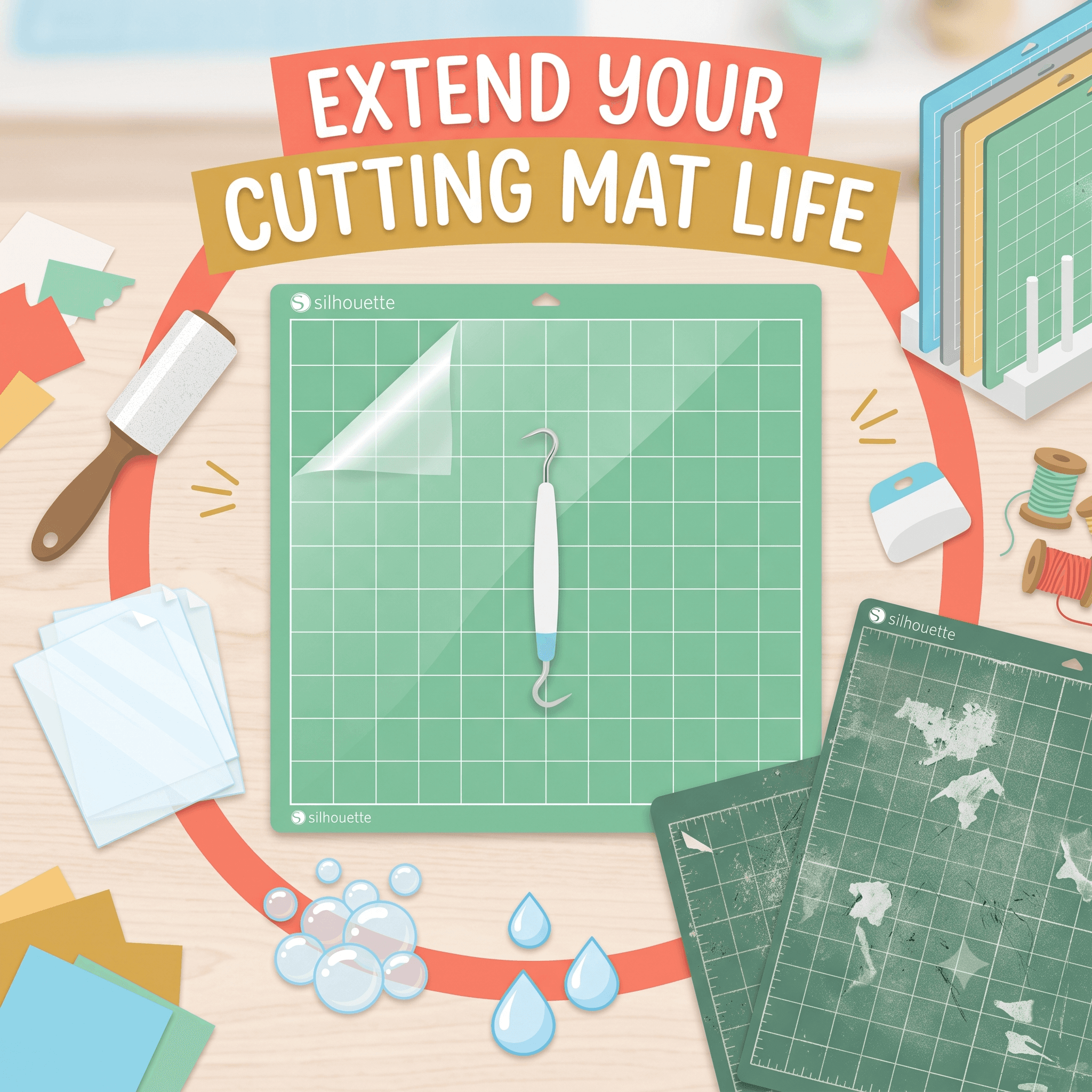
How to Make Your Silhouette Cutting Mat Last Longer
You load your material, hit cut, and watch it shift halfway through. Or the mat won't feed cleanly because it's barely gripping anything anymore. If you've been cutting with a Silhouette for more than a few months, you've probably been there.
Cutting mats feel like they wear out fast. Especially if you're using your machine regularly, it can seem like you're replacing them every few weeks. But most of the time, that's not just normal wear. It's preventable wear.
A well-maintained Silhouette cutting mat can last months longer than one that's just grabbed, used, and tossed back in a drawer. The difference comes down to a handful of habits around cleaning, storage, and how you cut. This article covers all of it: how to clean and restore mats, how to store them properly, what's actually shortening their life, and how to know when replacement is the only real option.
Why Your Silhouette Cameo Mat Loses Its Stick Over Time
The mat's whole job is to hold your material flat and still while the blade cuts. Sounds simple, but it's a lot to ask of a coated adhesive surface that gets pressed, peeled, and flexed repeatedly.
Here's what's actually happening as it wears out. Every time you load a piece of cardstock or vinyl, the mat picks up dust, lint, paper fibers, and skin oils. That buildup coats the adhesive and deadens its grip. Over time, cutting too deep makes it worse. When the blade depth is set higher than the material needs, the blade scores into the mat surface on every pass. Those grooves disrupt future cuts and physically tear through the adhesive layer underneath.
Then there's storage. Heat, humidity, and exposure to sunlight break down adhesive faster than most people realize. And if you're peeling materials off aggressively, yanking them straight up, you're pulling adhesive away in patches every single time.
Mats come in different grip levels. Light hold mats are designed for delicate papers and thin materials. Standard hold works for most everyday cuts. Strong hold is for heavier cardstock, fabric, and thick materials. Using a strong hold mat for tissue paper, or a light hold for chipboard, accelerates wear because the grip is working against the material instead of with it.
The Right Way to Clean a Cameo Mat (And What to Avoid)
Cleaning is the most impactful thing you can do to extend mat life. Done right, a washed mat often feels almost new. Done wrong, you can ruin it permanently.
Avoid alcohol wipes, acetone, or any solvent-based cleaner entirely. These dissolve the adhesive permanently. Even one pass with an alcohol wipe can strip the stick from your Silhouette Cameo mat in ways you can't fix.
After washing and drying, the mat usually feels tackier than it did before. That's normal, and it's the whole point. Cleaning works best as regular maintenance. Trying to rescue a mat that hasn't been cleaned in months is much harder than keeping a clean mat clean.
Storage Habits That Keep Your Silhouette Cutting Mat in Better Shape
How you store your mat when you're not using it matters almost as much as how you use it.
The single most important storage habit is this: always replace the clear plastic protective cover sheet when the mat is not in use. That thin plastic sheet protects the adhesive from dust, pet hair, and humidity in the air around it. If you've been tossing it aside and not putting it back, that's likely a big part of why your mats are dying fast.
Beyond that, store mats flat. Storing them upright or at an angle, especially in a warm room, causes warping. A warped mat won't feed through the machine rollers correctly and won't hold material evenly.
Keep mats out of direct sunlight. UV exposure breaks down adhesive faster than almost anything else. A mat left on a sunny table or near a window will lose its stick far sooner than one kept in a drawer.
The same logic applies to heat sources in general. Radiators, sunny windowsills, hot cars, anywhere that gets warm, are bad places for mats. Adhesive softens, shifts, and eventually breaks down under heat.
As part of protecting your whole setup, a Silhouette Cameo dust cover is worth using when the machine isn't running. Dust that settles into the carriage and blade housing eventually ends up on your mats too. Covering the machine and storing your mats with their protective sheets is a package deal: protecting one protects the other.
What You Might Be Doing That's Wearing Out Your Cameo Mat Faster
Most mat problems come from a short list of habits. These are the ones that consistently cause premature wear.
Cutting too deep: When the blade depth is higher than the material requires, the blade cuts through the material and into the mat surface. Do this enough times and you'll see grooves forming, which throw off future cuts and tear through the adhesive layer underneath. Test your blade depth on a scrap corner before committing to a full project.
Pressing materials down with too much force: Grinding material onto the mat by pressing hard with your palm pulls the adhesive unevenly and leaves patchy spots. Use a brayer (a small rubber roller) or a soft scraper and apply light, even pressure across the whole surface.
Peeling materials off quickly or carelessly: Yanking a piece of cardstock straight up off the mat pulls adhesive away with it. The correct technique: hold the mat down with one hand, and peel the material back slowly at a low angle. Better yet, bend the mat away from the material rather than bending the material away from the mat.
Leaving materials on the mat for extended periods: Cardstock and fabric absorb adhesive over time if they sit on the mat for hours or overnight. Cut and remove promptly.
Skipping the lint roller between sessions: A quick pass after each use prevents the kind of fiber and dust buildup that requires full washing later.
Can You Re-Stick a Silhouette Cutting Mat? Here's What Actually Works
Short answer: yes, with conditions. Mat restoration works well on mats that have lost adhesion but are otherwise structurally sound. It doesn't work on mats that are physically scored, warped, or missing large patches of adhesive.
Re-sticking with repositionable adhesive: Products like Zig 2-Way Glue and Krylon Easy-Tack can bring a worn mat back to life. Clean and dry the mat completely first. Apply the adhesive in a light, even layer and let it set until it reaches a tacky-but-not-wet stage. Then test with a scrap piece of material before cutting a full project. This works best when the mat surface is intact and the adhesive is just depleted. It won't help if there are blade grooves cutting across the surface.
Painter's tape for light materials: If you're working with thin, delicate papers and just need a bit more hold around the edges, strips of low-tack painter's tape can provide enough grip for a clean cut. This is a workaround and not a permanent fix, but it's useful when you're mid-project and don't have a fresh mat on hand.
Be honest with yourself about which situation you're in. If you've tried cleaning and re-sticking and materials are still shifting, the mat has probably reached the end of its useful life. Keeping a Silhouette Cameo replacement cutting mat in your supplies means you're never stuck waiting for a delivery when a mat gives out at a critical moment.
Silhouette Cutting Mat Compatibility: Cameo 3, Cameo Plus, and Silhouette 5
Mat size matters more than most people think, and using the wrong size for your machine causes real problems.
The Silhouette 3 uses 12x12 inch mats as its standard size. The Silhouette Cameo Plus and Cameo 4 Plus are wider machines that use 15-inch mats, giving you more room for larger cuts and wider material. The Silhouette 5 also handles wider mats and introduced some updates to the mat loading mechanism worth checking in your machine's documentation.
All Cameo models work with 12x24 inch mats for longer cuts, which is handy for banners, large decals, or projects that need more vertical space.
Using a mat that doesn't match your machine's width causes feeding issues, alignment problems, and uneven wear along the mat edges. It's not just inconvenient. It shortens the mat's life and affects cut accuracy.
On the machine side, the Cameo cutter reads materials more reliably when the mat is clean and flat. The rollers and sensors depend on consistent mat thickness, and a warped or debris-covered mat throws that off.
SVG file quality matters as much as mat quality, especially at larger cut sizes. Messy paths, overlapping nodes, or poorly prepared files force the machine to work harder. CutMagic is a tool crafters use to clean up SVG files before importing into Silhouette Studio, particularly when working with the wider-format Cameo Plus or Silhouette 5 where small file errors show up more at scale.
Mat Care Is Just One Part: Quick Tips for the Full Cameo Setup
Mat care doesn't happen in isolation. The condition of the rest of your machine affects how well your mat performs and how long it lasts.
Wipe the blade housing and carriage regularly. Debris that builds up there affects cut quality and can transfer to your mat surface.
Check the Silhouette Cameo power cord occasionally, especially if you move the machine often. Look for kinks, fraying, or damage to the cord casing. A damaged cord is a safety issue and can also cause inconsistent power delivery, which shows up as uneven cuts.
Use a Silhouette Cameo dust cover when the machine isn't running. Dust settling into the carriage and blade housing ends up on your mats too. Keeping the machine covered is part of keeping the mat clean.
Store the machine away from direct sunlight and humidity for the same reasons you store your mats that way. The machine and its mats have the same enemies.
Signs It's Time for a Silhouette Cameo Replacement Cutting Mat
There's a point where cleaning and restoration aren't worth trying anymore. Here's how to recognize it.
- Materials shift during cutting even after the mat has been cleaned and re-sticked. That's the clearest signal the adhesive is depleted.
- The mat surface has visible grooves or gouges from blade overpenetration. Grooves disrupt cut paths and won't smooth out with cleaning.
- Large sections have no adhesive left and don't respond to re-sticking. Once the adhesive is physically gone from a large area, you can't rebuild it reliably.
- The mat is warped and won't feed flat through the rollers. A warped mat causes alignment problems that no amount of cleaning can fix.
- Cut lines are consistently off even with correct settings and a sharp blade. If everything else checks out and the cuts are still wrong, the mat is likely the culprit.
A Silhouette Cameo replacement cutting mat isn't a sign of failure. It's just the end of a lifecycle. A mat that's lasted months of regular, well-maintained use and finally needs replacing did exactly what it was supposed to. Replacement is normal, and keeping a spare on hand is just good practice.
Wrapping Up
Cutting mats don't have to feel like a consumable you're burning through every few weeks. Most of the wear that makes them feel disposable is preventable.
Clean them regularly with a lint roller and occasional soap-and-water wash. Store them with the plastic cover sheet on. Cut at the right blade depth. Peel materials off slowly and at a low angle. Those four habits cover the vast majority of premature mat wear.
Even with perfect care, mats eventually reach the end of their life. That's fine. A mat that's lasted six months of regular use and finally needs replacing did its job. Keep a replacement on hand so a worn mat never stalls a project at the wrong moment.
Take care of the mat, and it'll take care of your cuts.