
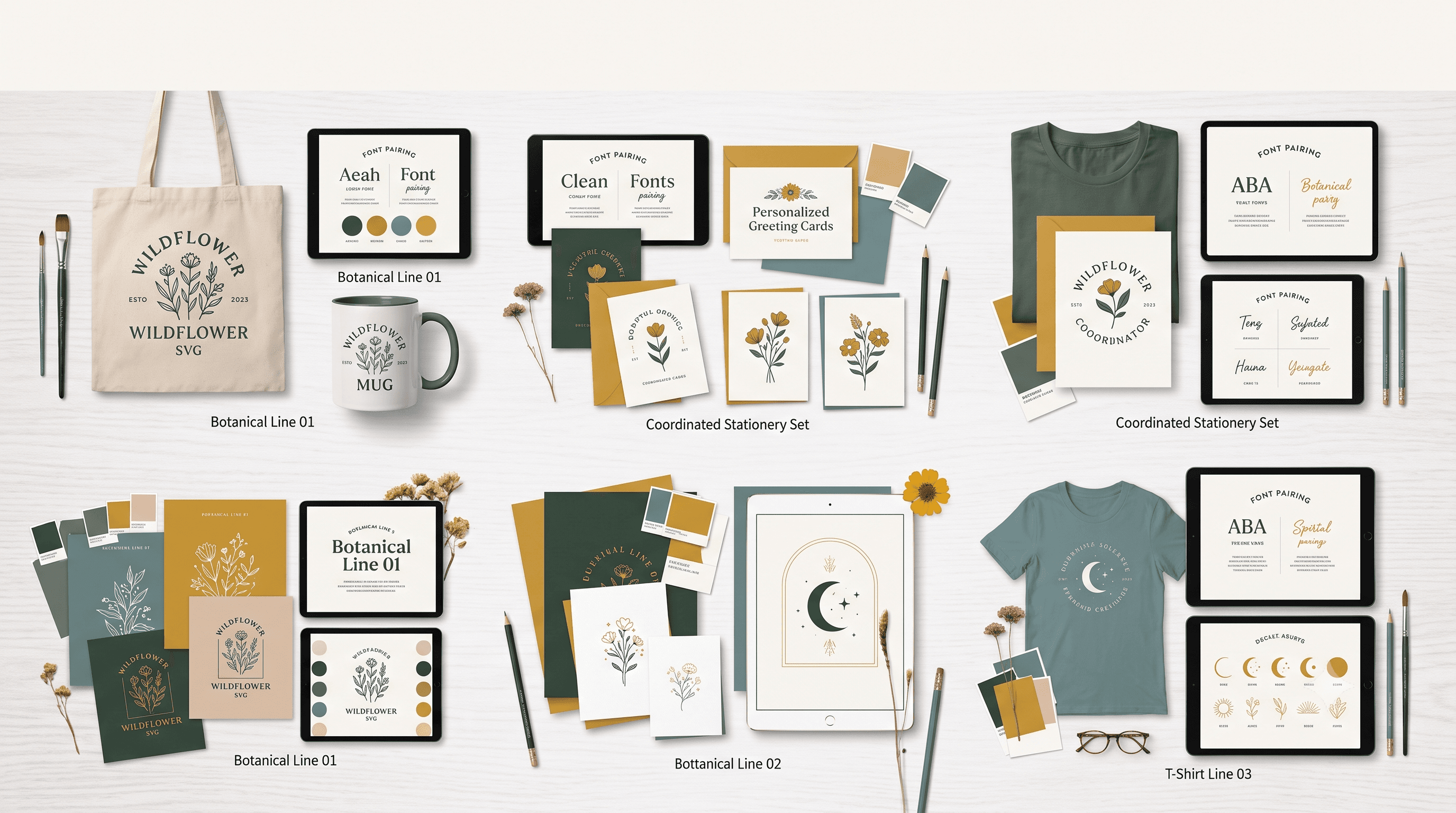
Building a Matching SVG Set for a Themed Etsy Product Line
A quotes SVG bundle only works as a cohesive product line when every design shares the same visual language. Same lettering style, same weight, same layout approach, with only the text changing from one design to the next. That consistency is what turns a bundle of files into a product line buyers actually want to collect.
Why Matching Sets Outsell Random Collections
Picture five mugs in a shop, each with a different saying but the same script lettering, the same weight, the same spacing. It reads as intentional. It looks like a line, not a pile of leftovers.
Now picture five mugs with five different fonts, five different layouts, and no shared visual thread. Even if each design is good on its own, the set reads as unfocused. Buyers notice this instantly, even if they can't name what's off.
Shared style signals a shop that knows what it's doing. Buyers who see one cohesive set are more likely to trust the next listing, and the one after that. On brand consistency isn't just a design preference. It's what makes a shop look established instead of scattered.
Lock In One Style Before You Generate Anything
Before you generate a single file, decide your lettering style, weight, and layout logic. Script or block. Centered or left aligned. Decorative elements like flourishes or florals, yes or no.
Treat these decisions as your template for the entire set. Every saying you generate afterward gets slotted into that same structure. This is what prevents style drift, where design three suddenly looks like it came from a different shop than design one.
If you're planning to cut these designs on a Cricut, it also helps to know how your chosen lettering style will actually behave once it's loaded into your machine software. Read How to Upload Fonts to Cricut Design Space before you lock in your font choice, so you're not redesigning the set later because a font didn't render the way you expected.
Generating the Set Without Losing Consistency
Once your style is locked, the generation process is where consistency either holds or falls apart. Here's the workflow that keeps a set matched from first design to last.
This is where a tool like CutMagic's SVG Creator earns its place in the process. Keeping the same style prompt structure and changing only the text is what makes a generated set actually look like it belongs together, instead of five separate designs that happen to share a theme.
Generating each design from a fresh, unrelated prompt is the fastest way to end up with a set that doesn't match. Always start from your locked base prompt, not a blank one.
Why This Matters for Your Shop's Consistency
A matching set does more than sell one listing. It tells buyers your shop has a defined style and a point of view. That's what turns a one time purchase into a repeat customer who comes back for the next themed set you release.
Shop level consistency starts with decisions like the one you're making here, at the product line level. If you're still shaping what your shop stands for more broadly, How to Start an Etsy SVG Shop covers the foundational choices that make every future listing easier.
It also helps to think like your buyer for a moment. Before someone adds a bundle to their cart, they're weighing whether the files look professional and whether the set feels complete. How to Buy High Quality SVG Files for Cricut on Etsy breaks down exactly what buyers look for, and a matching set checks nearly every box on that list.
Pick your style once. Write it into a reusable base prompt structure. Let the wording be the only variable across the whole set. That one habit is what separates a themed product line that looks professional from a bundle that just happens to share a theme.